01
How the dance is made
Each move in the library is a short, silent clip of an invented AI performer that we made for this purpose: no real dancers, no songs and no trend names. When you render, the movement of that performer is transferred onto the character in your picture, so your mascot, toy or drawing does the steps while keeping its own shape, colors and costume. The performer never appears in your result. If you upload your own motion video instead, the same thing happens with your movement: only the motion is copied, and the person in the video is not shown. The output is a vertical MP4 for template moves, because the moves are filmed in 9:16, and it has no sound, so you add music in whatever video app you already use.
02
Which characters dance well
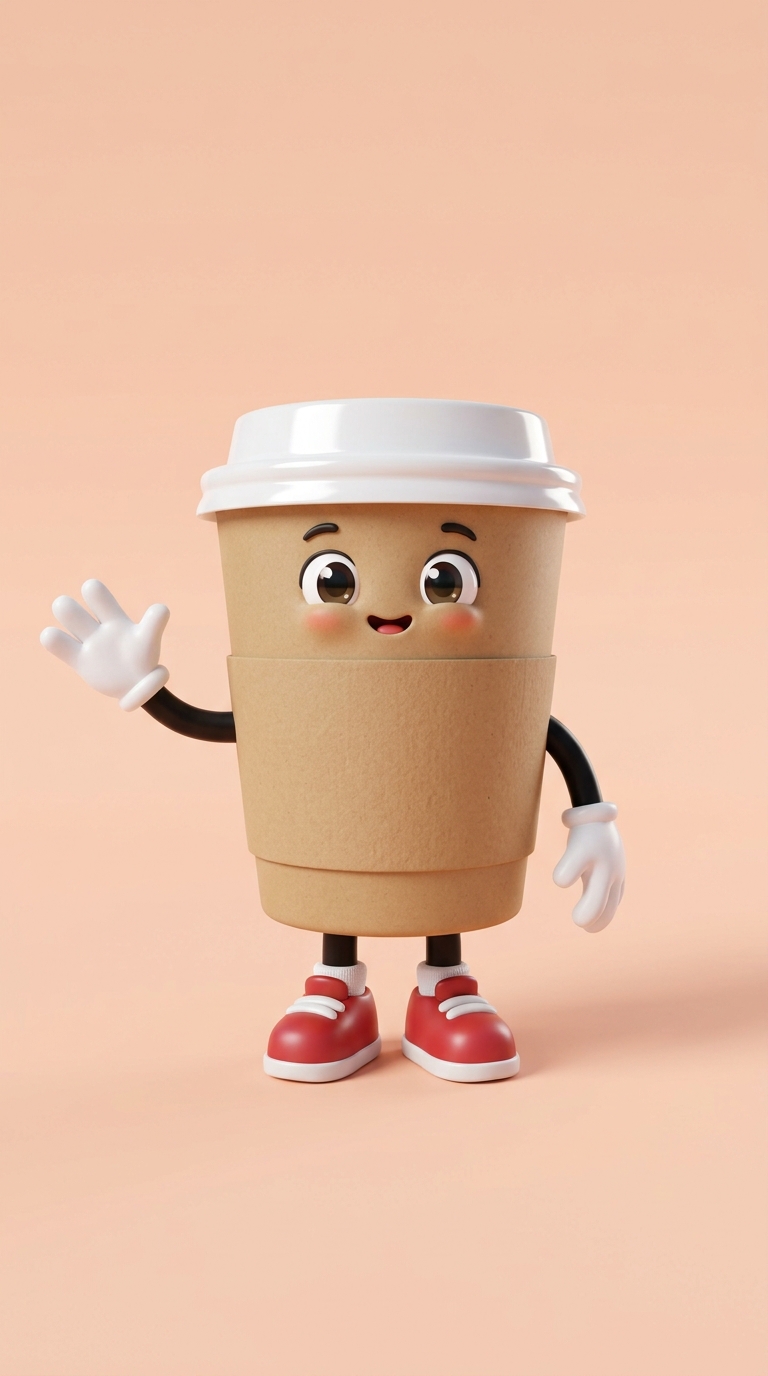
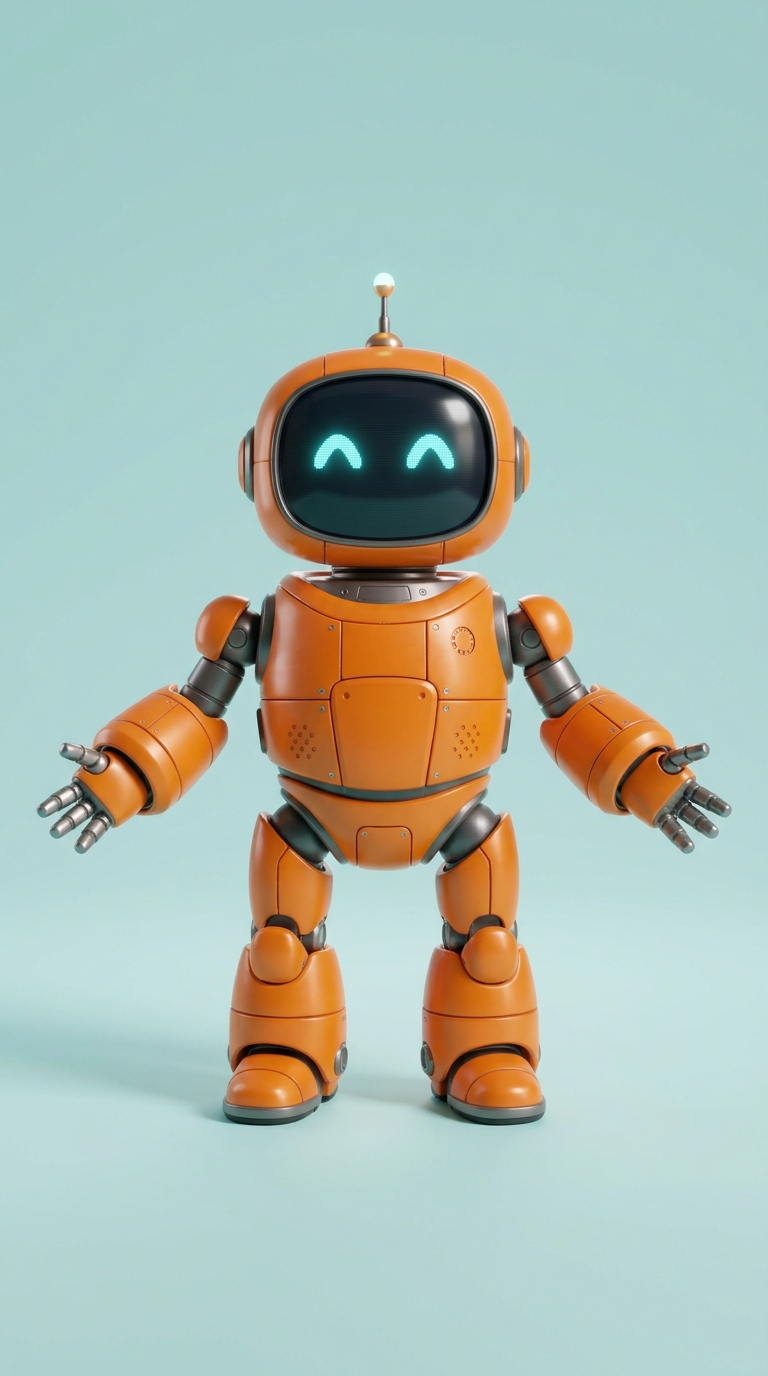
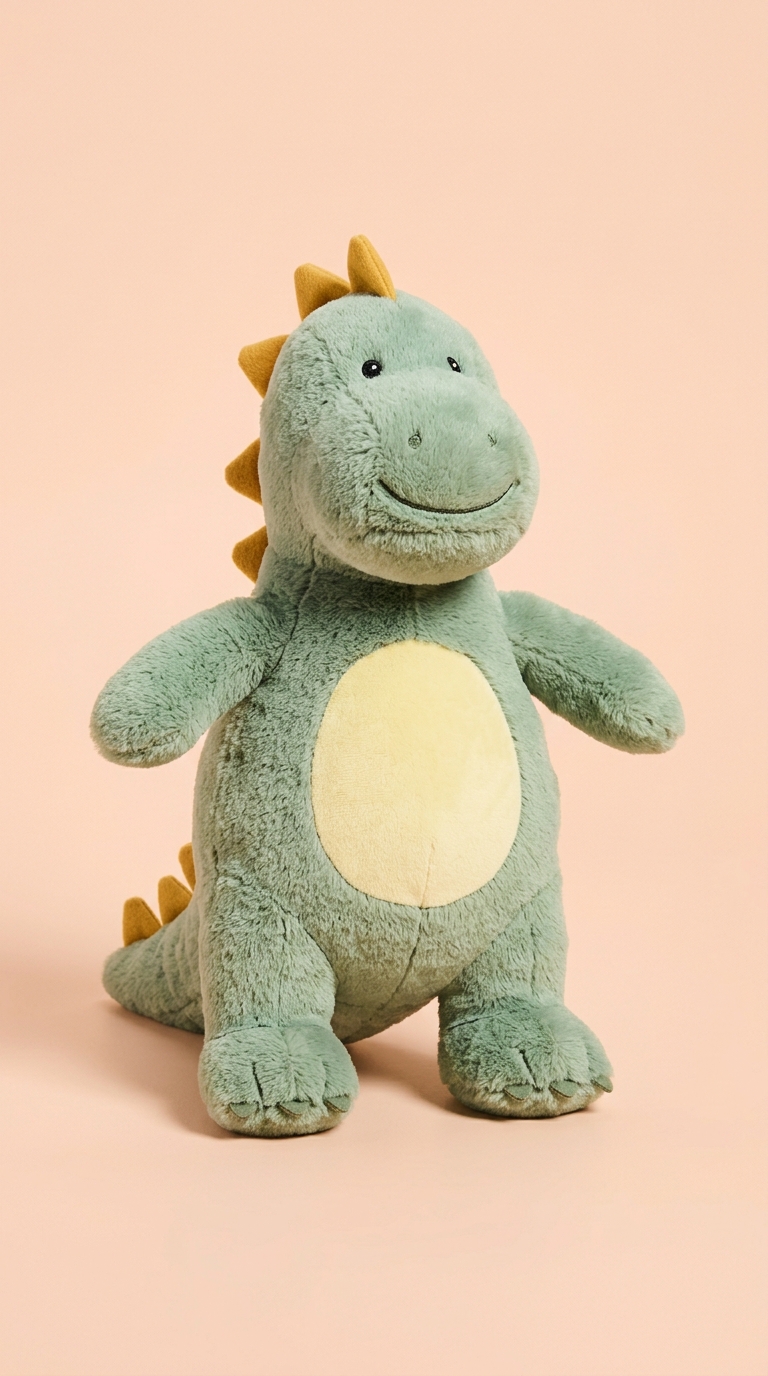
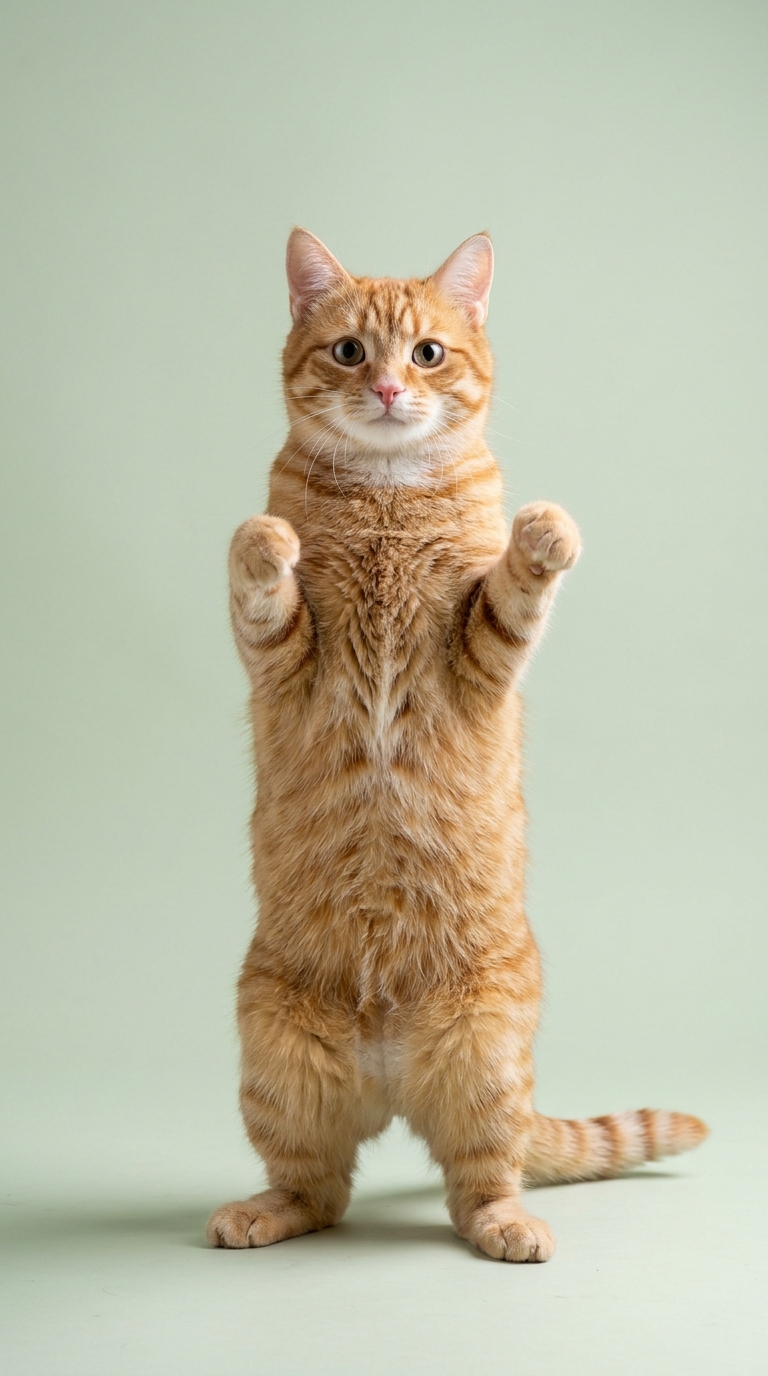
The clearest results come from one upright character with visible arms and legs, shown from the front on a plain background. That can be a mascot photo, a plush toy on a table, a full-body drawing, or a game or 3D render. Characters with no visible legs, such as a cup, a blob or a bean-shaped creature, still dance, but they move with their whole body rather than stepping. Pets stay animals, so a cat sways and lifts its paws rather than doing human footwork. Plush stays soft and squashy. Fast moves like Spin can blur hands and feet for a frame or two. Pictures with several characters, busy scenes, cropped bodies, side views or a very small character are the most likely to come out muddled.
03
Draft first, Final when it works
A Draft is a quick 480p check that takes about two minutes and costs less than a Final. Its job is to tell you whether the move suits the character: whether the limbs line up, whether the face stays clear and whether the framing is right. If something is off, try a different picture or a different move rather than paying for a Final of a clip you will not use. When a Draft looks right, Make the Final renders the same picture and move at 580p or 720p with smoother motion in a few minutes. Pricing is per second of dance, with different rates for Draft and Final, and the exact price always shows on the button before you start.